
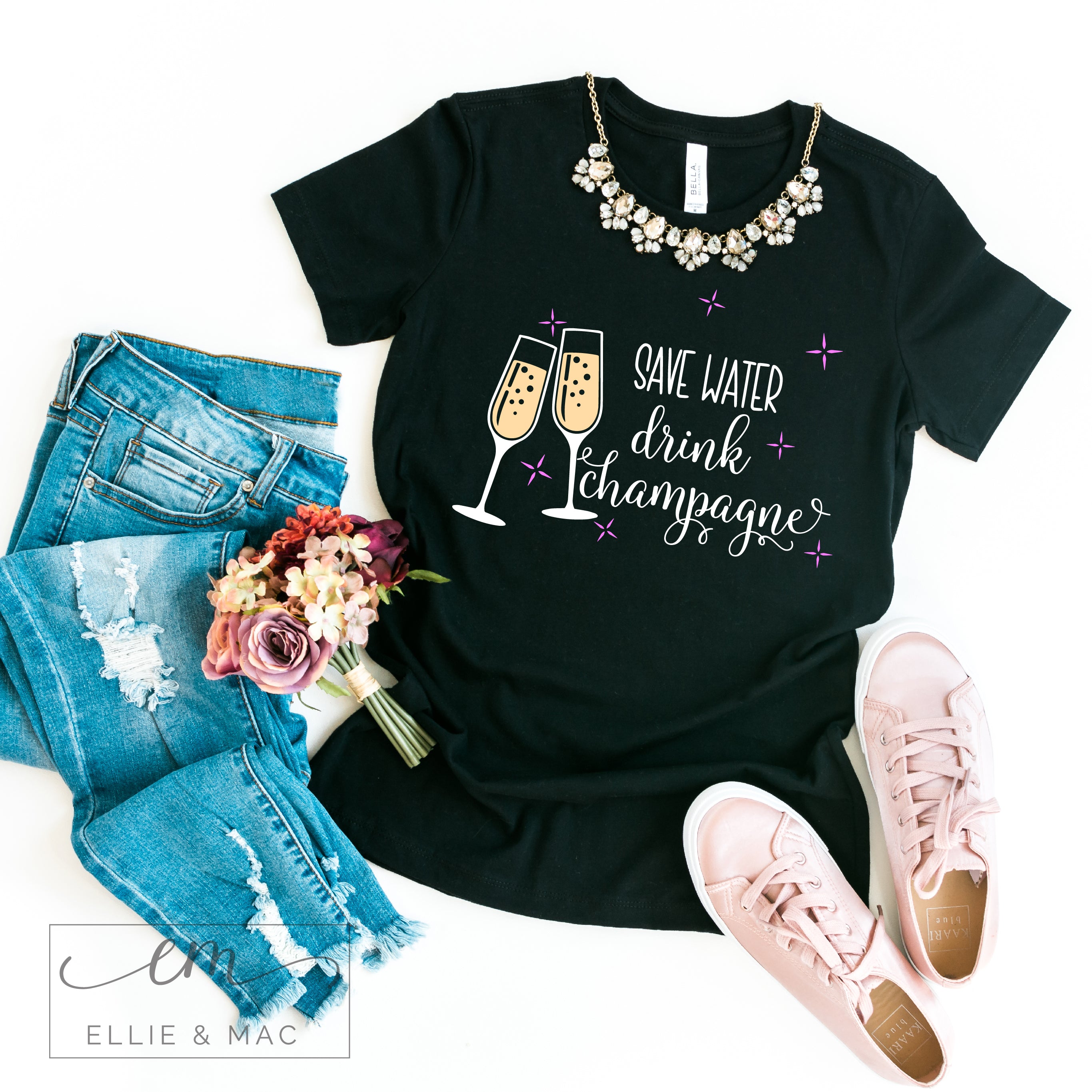
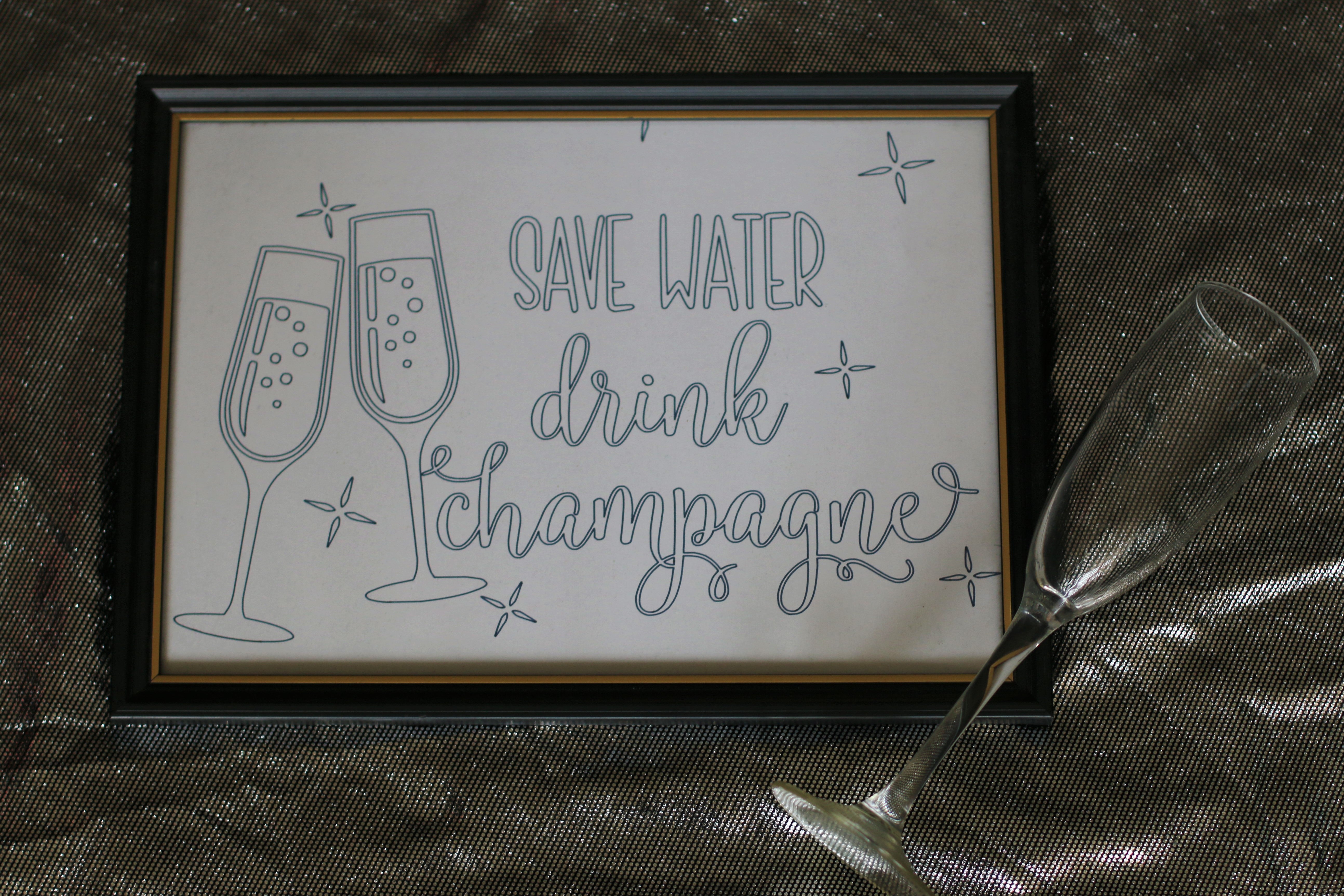
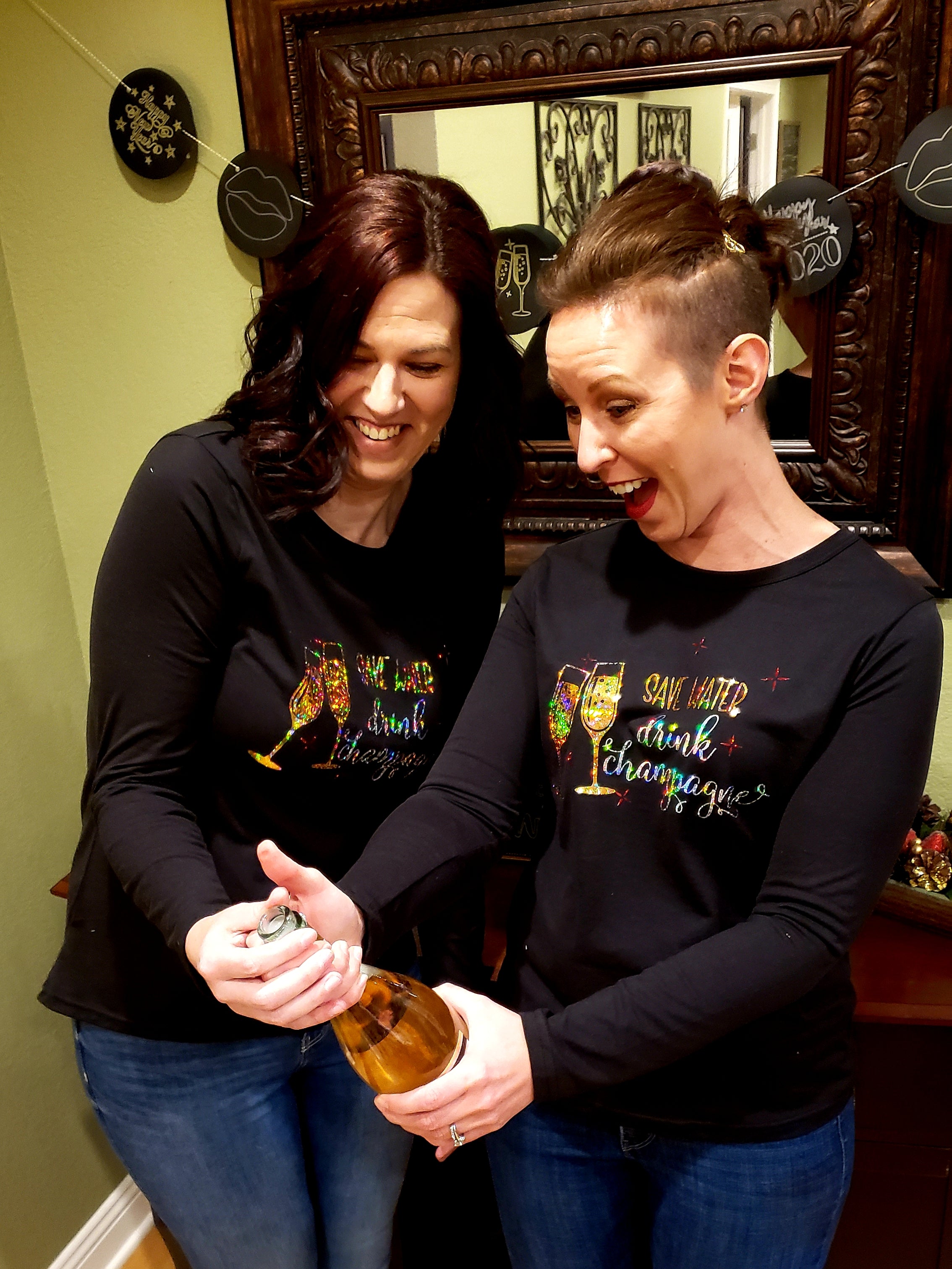


Save Water Drink Champagne Cut File
Halloween Sale: 30% Off
Free Patterns When You Bundle
Stylish, beginner-friendly sewing patterns with step-by-step videos and a fit you’ll actually love wearing.
Included With This Pattern
3M+ patterns sold • 16,000+ verified 5★ reviews
We accept:
Choose options
Halloween Sale: 30% Off
Free Patterns When You Bundle
Stylish, beginner-friendly sewing patterns with step-by-step videos and a fit you’ll actually love wearing.
Included With This Pattern
3M+ patterns sold • 16,000+ verified 5★ reviews
We accept:
Halloween Sale: 30% Off
Free Patterns When You Bundle
Stylish, beginner-friendly sewing patterns with step-by-step videos and a fit you’ll actually love wearing.
Included With This Pattern
3M+ patterns sold • 16,000+ verified 5★ reviews
We accept:
30-Day Money-Back Guarantee
If you experience a technical issue with your file — or find an error we can’t resolve — we’ll issue a full refund within 30 days of purchase.
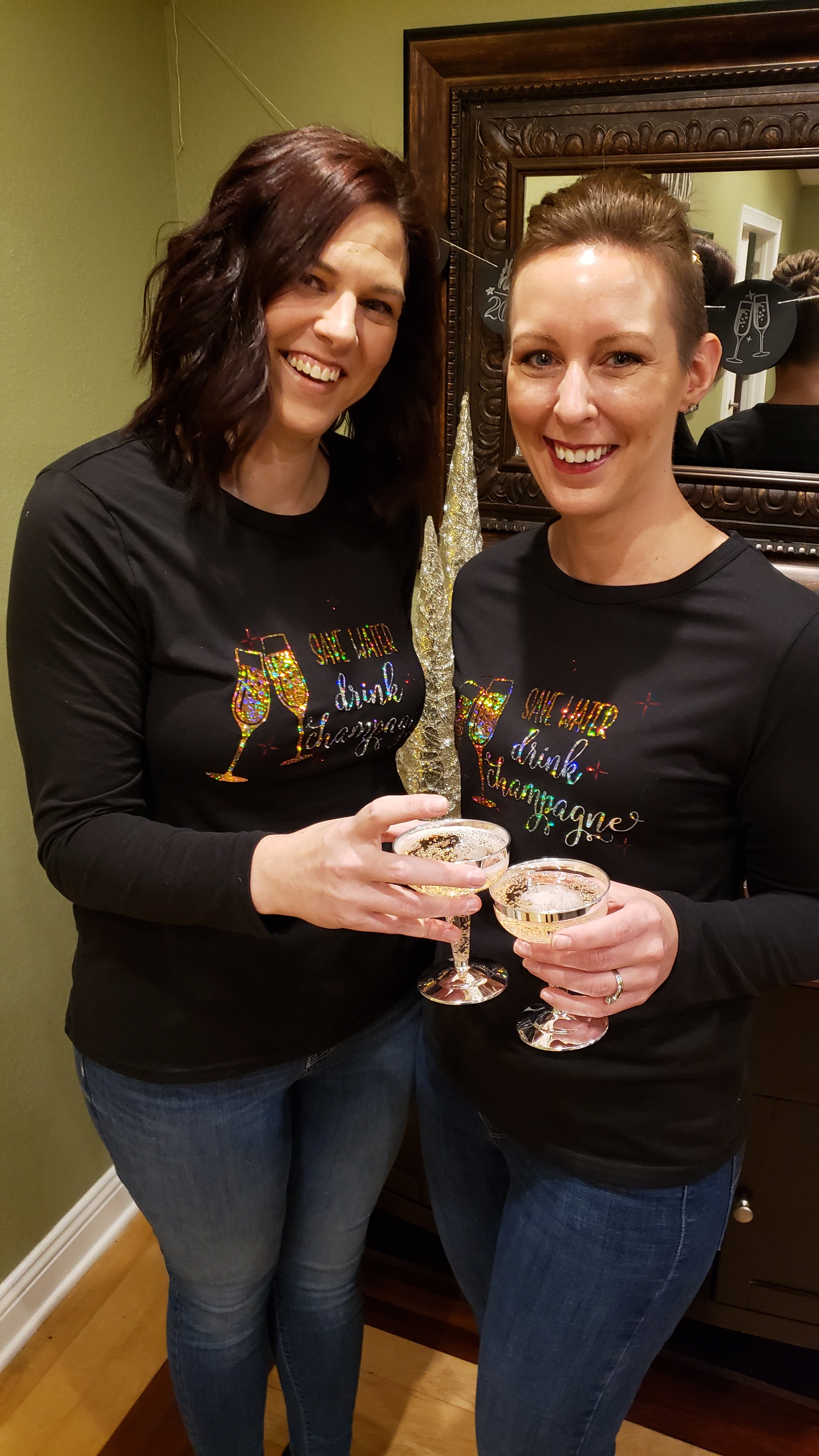
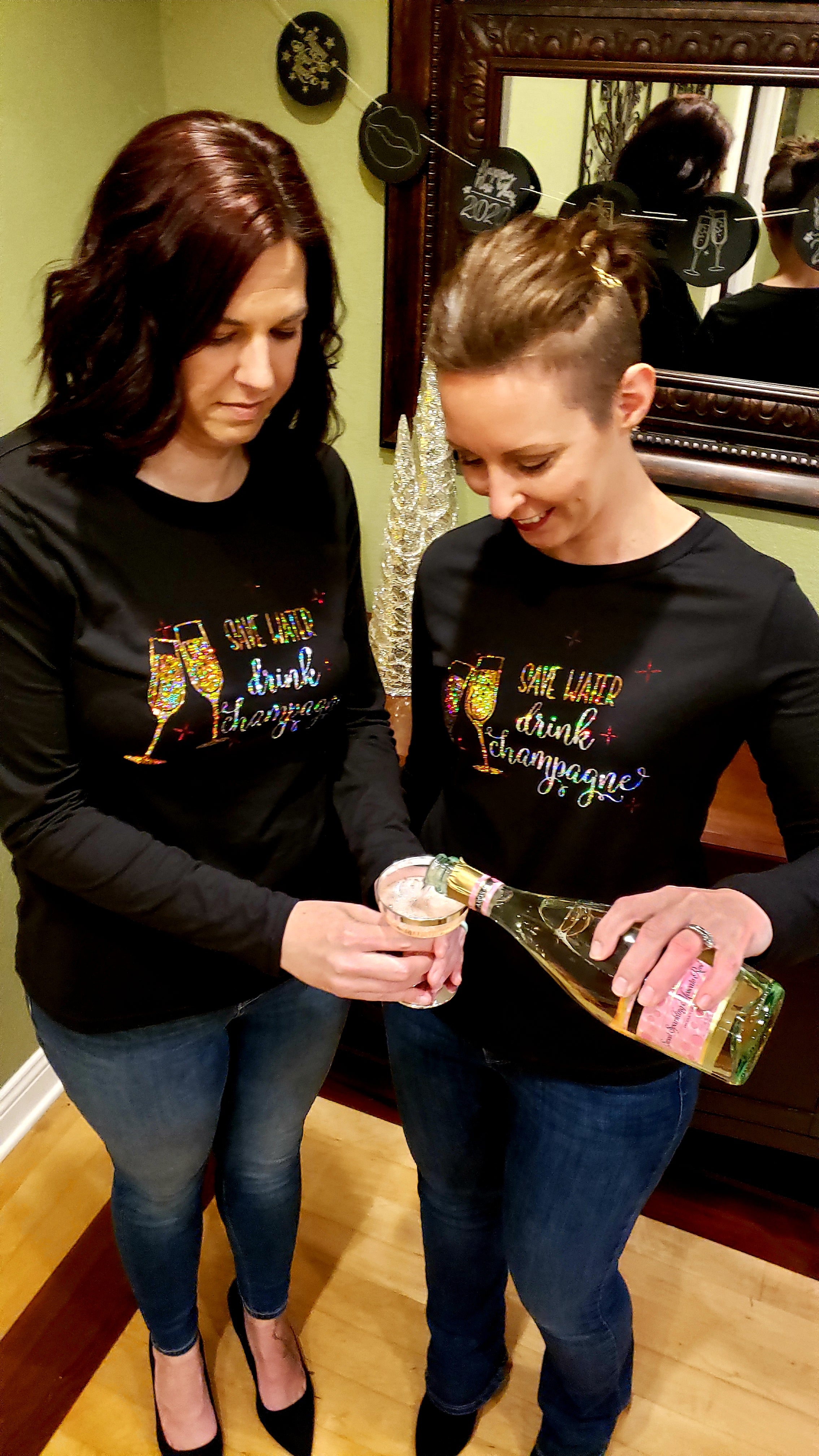
The "Save Water Drink Champagne" Cut File is the perfect file to celebrate the new year! You can make tees, sweatshirts, signs, pillows, mugs and more!
Ellie and Mac Cutting files include digital cut files - svg, .studio, jpg, png - for Cricut and Silhouette machines.
This is a digital product and not a physical item that arrives in the mail. You will be able to download your file immediately after purchase from either your order receipt or by logging into your account.
With your purchase you will receive one zip file that contains all the file formats. You will need to extract the .zip file to your computer from your downloads folder to see all of the files that are contained within. Locate the .zip file, right click and select extract (extract all) and your files will be extracted to the location you select. I prefer my downloads folder. Choose one that is easy for you to find and remember.
For the Silhouette Studio, you will use the .studio3 or dxf files. For Cricut Design Space, you will use the .svg. For the designer edition of Silhouette Studio, you can also open the .svg. Please check your machine/software to be sure the file type you need is included in the list mentioned above.
These are digital PDF Sewing Patterns. They are not paper patterns that you would receive in the mail. You will be able to download your pattern(s) immediately after purchase. They will also be available in your account to download any time. For more information on what a PDF Sewing Pattern is and how to use one, click here.
- This pattern is copyrighted. You may use this pattern to create and sell products of your own. Giving credit to the pattern when selling would be appreciated, but not required.
- You may not edit or recreate this pattern to sell.
- You can not distribute this pattern to others.
- You may not mass produce this pattern or clothing made using it.